
Download Clipboard Master – clipboard manager, text storage, productivity tool, keyboard shortcut, multi-clip storage, image clipboard, document management
Overview
Clipboard Master is a productivity-focused mobile application designed to enhance digital workflow efficiency by enabling users to store, organize, and retrieve multiple copied items. The app serves as a centralized clipboard management system, allowing users to retain numerous text snippets and images without losing them after copying new content. This functionality addresses a common limitation of standard device clipboards, which typically store only one item at a time. By expanding clipboard capacity, Clipboard Master helps users maintain continuity in tasks that involve frequent copying and pasting, such as writing, coding, research, and content creation. The app is particularly suited for professionals, students, and digital creators who regularly handle large volumes of information. Its ability to preserve multiple clips makes it ideal for workflows that require referencing various pieces of text or visual content. While the developer, Jason K. Menard, is listed, no additional background information about the individual or their prior work was provided. The app was released on January 7, 2025, and is available for free on the Android platform. Although specific real-world use cases are not detailed beyond general productivity scenarios, the app’s core purpose is clear: to reduce friction in information handling and improve task efficiency. Clipboard Master fills a niche in the Android productivity ecosystem by offering a lightweight, focused tool for clipboard extension. It is not a full-featured document editor or cloud storage solution, but rather a utility designed to complement existing workflows. Its value lies in its simplicity and direct functionality, making it a practical addition for users seeking to minimize repetitive actions and maintain better control over copied content.Key Features & Functionality
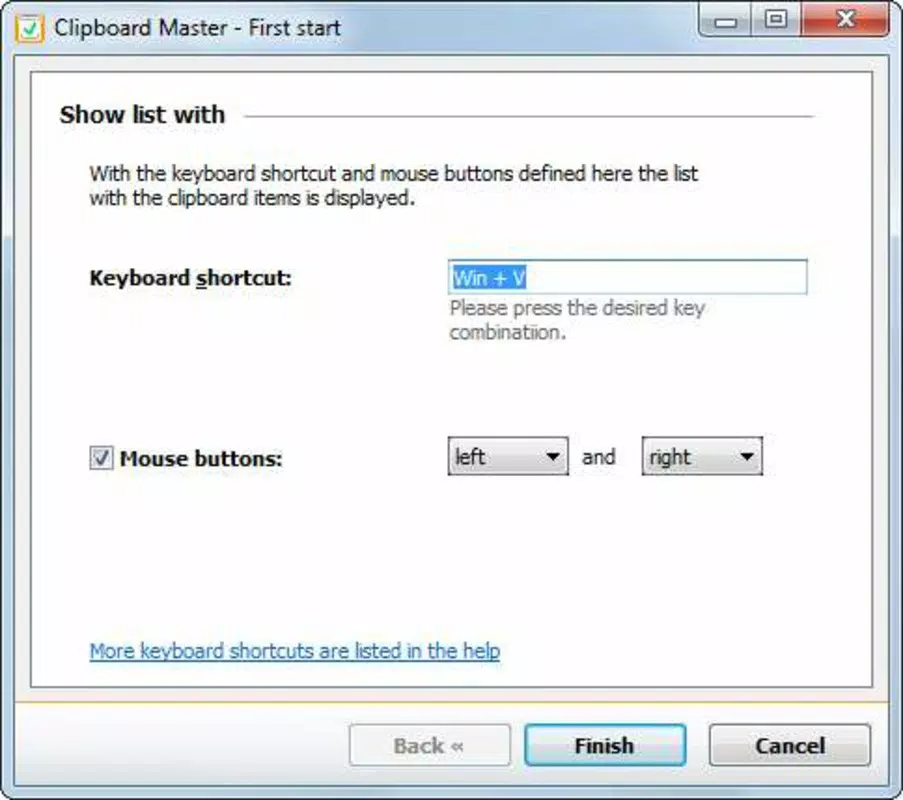
Clipboard Master delivers a suite of practical tools tailored to streamline information management across daily digital tasks. At its core, the app supports multi-clip storage, allowing users to save an unlimited number of copied text entries and images. This feature eliminates the need to manually save content to notes or documents, preserving valuable time and reducing the risk of data loss during transitions between apps. The app includes quick access keyboard shortcuts, enabling users to summon the clipboard interface with minimal effort. This functionality is especially useful during high-effort tasks like writing or coding, where rapid access to previously copied content can significantly reduce workflow interruptions. For instance, a user writing a research paper could copy multiple quotes from different sources and later paste them with a single gesture, without navigating through multiple files. Another notable feature is folder organization, which allows users to categorize stored clips into custom folders. This helps maintain structure when managing large volumes of content. A student, for example, might create folders labeled “Lecture Notes,” “References,” and “Drafts” to keep their copied material well-structured and easily retrievable. The user-friendly interface ensures accessibility across skill levels, with a clean layout that prioritizes functionality over visual complexity. Navigation is straightforward, minimizing the time required to learn the app’s core operations. These features collectively enhance productivity by reducing cognitive load and enabling faster, more accurate information retrieval.- Multi-clip storage for unlimited text and image retention
- Keyboard shortcuts for instant clipboard access
- Custom folder organization for structured content management
- Intuitive interface designed for quick onboarding and daily use
- Optimized for frequent text and image handling in professional and academic settings
Interface, UX & Performance
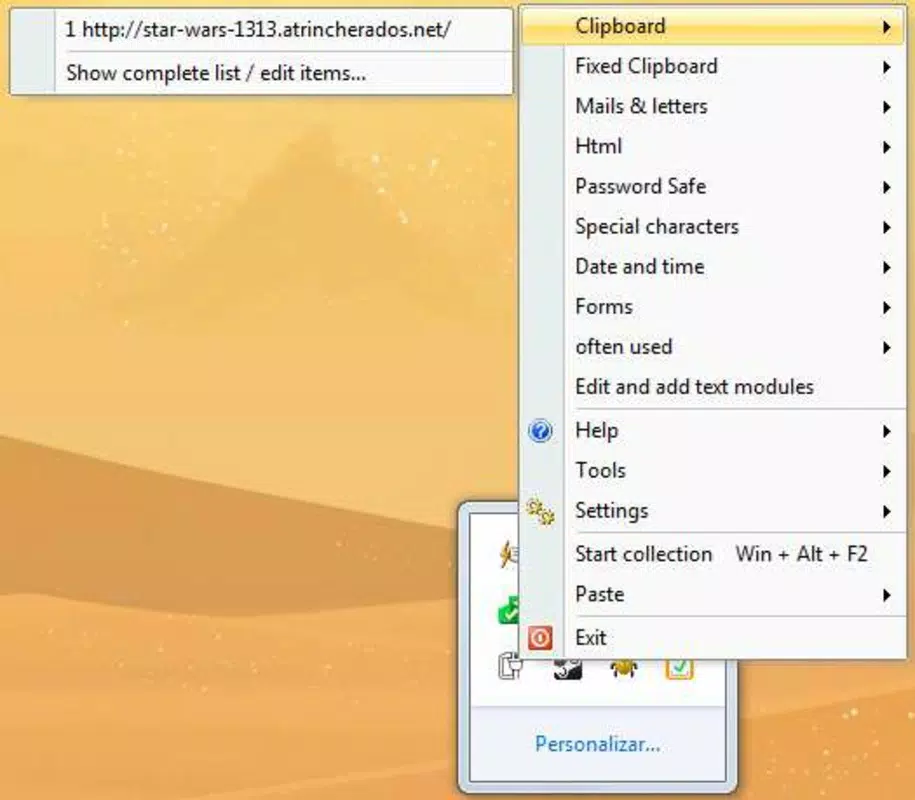
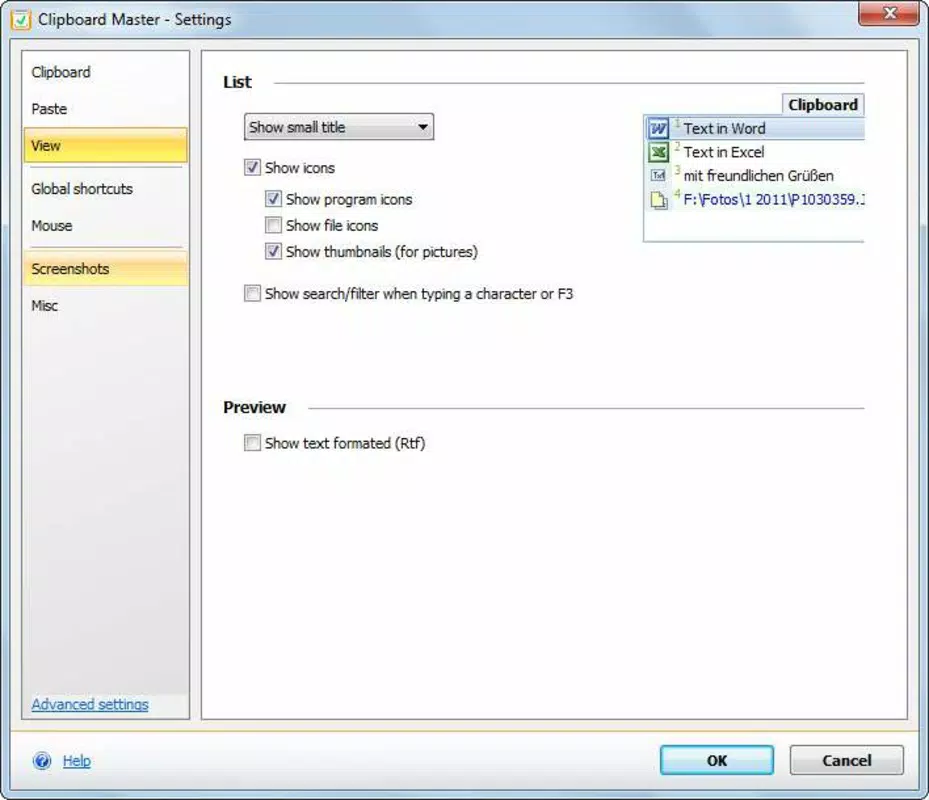
The interface of Clipboard Master is designed with clarity and usability in mind, featuring a minimalist layout that emphasizes content over decorative elements. Users are presented with a clean list of stored clips, displayed in a scrollable format that supports both text and image previews. The visual style is consistent with modern Android design principles, using neutral colors and legible typography to ensure readability across different screen sizes. Navigation within the app is straightforward, relying on simple taps and swipes to access stored items or manage folders. The primary action—pasting a clip—is executed with a single tap, minimizing user effort. The app also integrates seamlessly with the system clipboard, allowing users to switch between standard and enhanced clipboard modes without disruption. Although the developer did not list formal performance metrics, the app’s lightweight file size of 12.4 MB suggests it is optimized for efficient operation on a range of Android devices. It is expected to function smoothly on both entry-level and mid-range smartphones, though specific performance benchmarks were not disclosed. Responsiveness is likely maintained through efficient memory handling, particularly given the app’s focus on core clipboard functionality rather than resource-intensive features. Stability appears to be a priority, as the app is designed to run in the background without causing system lag or crashes. However, detailed user reports or crash statistics were not provided. The app’s performance is likely consistent with other lightweight productivity tools, offering reliable operation during extended use.Platform Compatibility & Technical Requirements
Clipboard Master is currently available exclusively on the Android platform. The app requires Android OS version 5.0 or higher, although specific minimum requirements were not listed by the developer. This broad compatibility ensures that the app can be used on a wide range of devices, from older models to the latest smartphones. The app has a file size of 12.4 MB, which is relatively small and contributes to quick installation and minimal storage impact. This compact footprint makes it suitable for devices with limited internal memory. The current version is 1.2.4, and the app is offered at no cost to users. The developer did not specify exact device compatibility details beyond the platform. No mention was made of tablet support, wearable integration, or future updates. Users should ensure their device meets standard Android requirements for app installation. Compatibility with third-party keyboard apps or clipboard managers was also not disclosed.Pros and Cons
- Free to download and use with no in-app purchases
- Supports unlimited text and image clipboard storage
- Includes keyboard shortcuts for rapid access
- Offers folder-based organization for better content management
- Lightweight design with minimal storage footprint
- Intuitive interface suitable for users of all experience levels
- Only available on Android, with no iOS or other platform support
- No detailed performance or stability metrics provided
- Specific system requirements were not disclosed
- App size and version details are minimal, limiting advanced user planning
- No cloud sync or cross-device functionality mentioned


